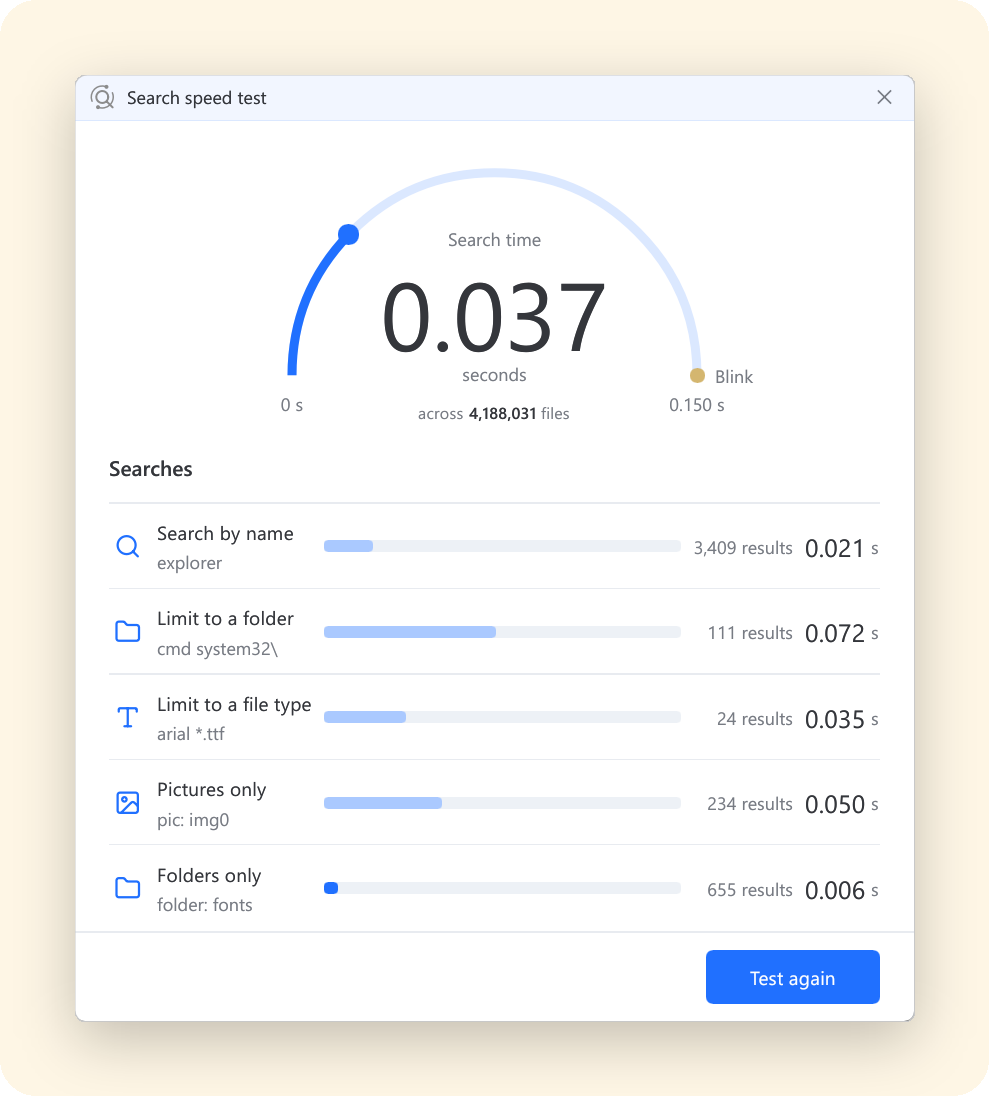
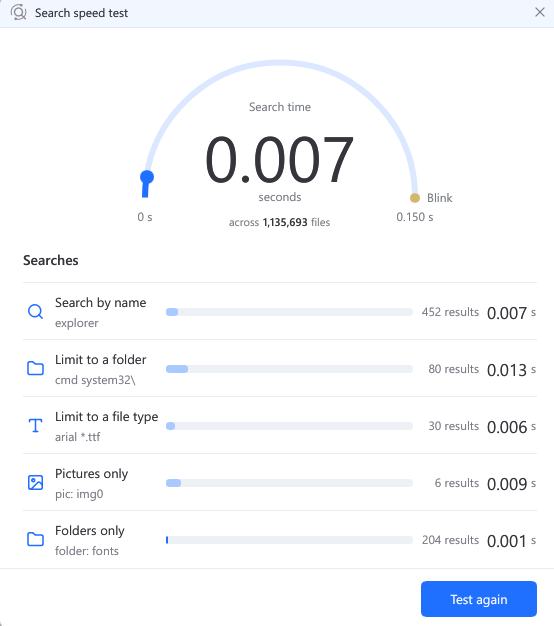
Listary 7.1 Beta is ready to try! This is a major update: Listary 7 has been rebuilt in Rust, with a focus on speed and lower resource use. The launcher opens faster, search results arrive sooner, and memory use is lower. We’ve also fixed many of the issues you reported here.
If you’re on 7.0, check for updates to upgrade. If 7.1 doesn’t appear, or you’re using Listary 6 or installing for the first time, download it here. You can install it over your current version.
This release supports x64 PCs running Windows 10 or 11. ARM PCs aren’t supported yet; please keep your current version for now.
What’s new
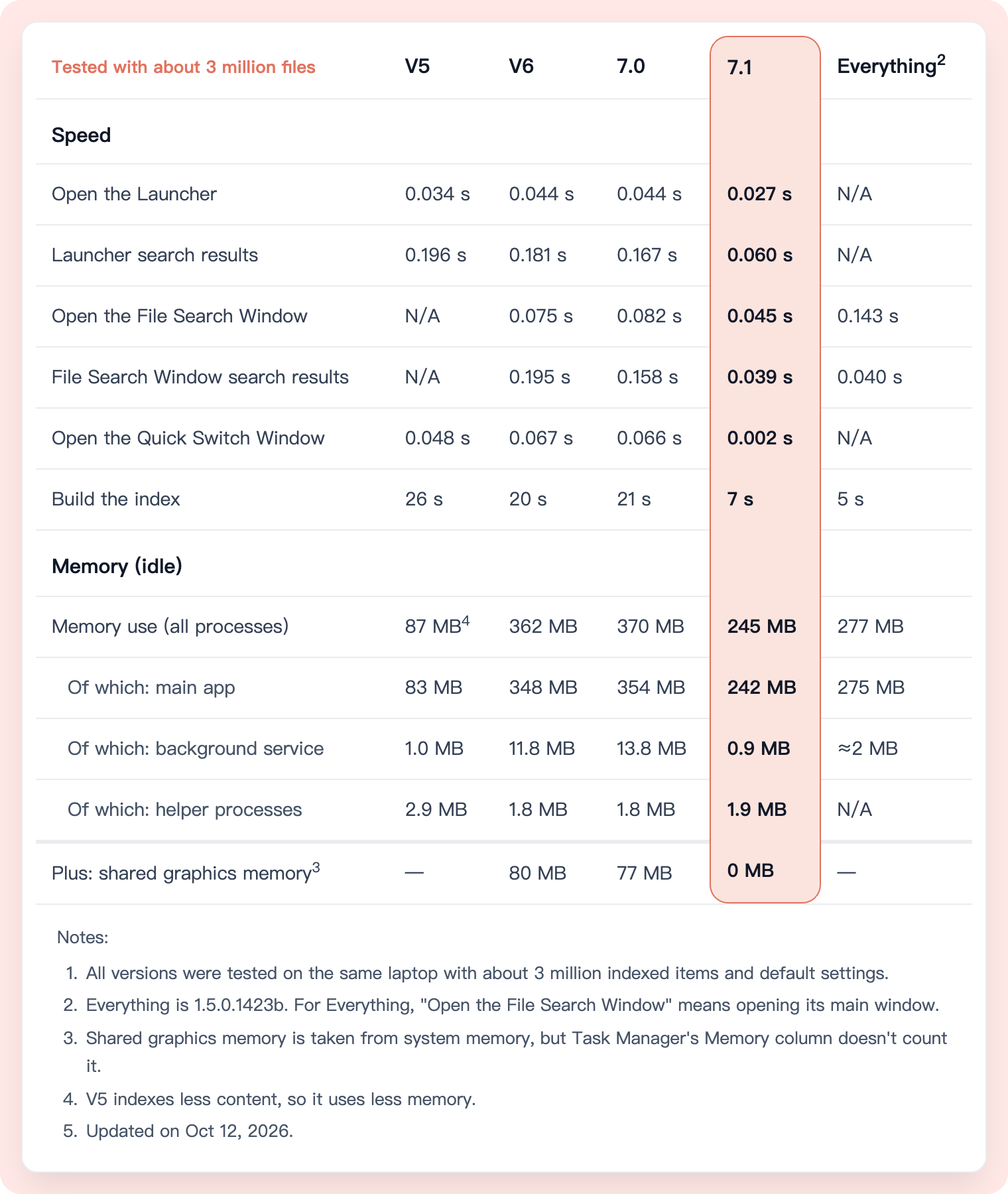
- Faster and lighter. In our tests on the same laptop, compared with 7.0, search was up to 4× faster, memory use fell by 34%, and building the index from scratch went from 21 seconds to 7 seconds. Shared graphics memory use also dropped from 77 MB to zero, measured separately from process memory.
- UI refinements. Menus have rounded corners and softer shadows. Search bars in File Explorer and file dialogs have a unified rounded design, and folder paths use breadcrumb navigation.
- More ways to work in the File Search Window. Drag multiple selected results together, Ctrl+click sidebar filters to combine them, and use command hotkeys that previously didn’t work in this window.
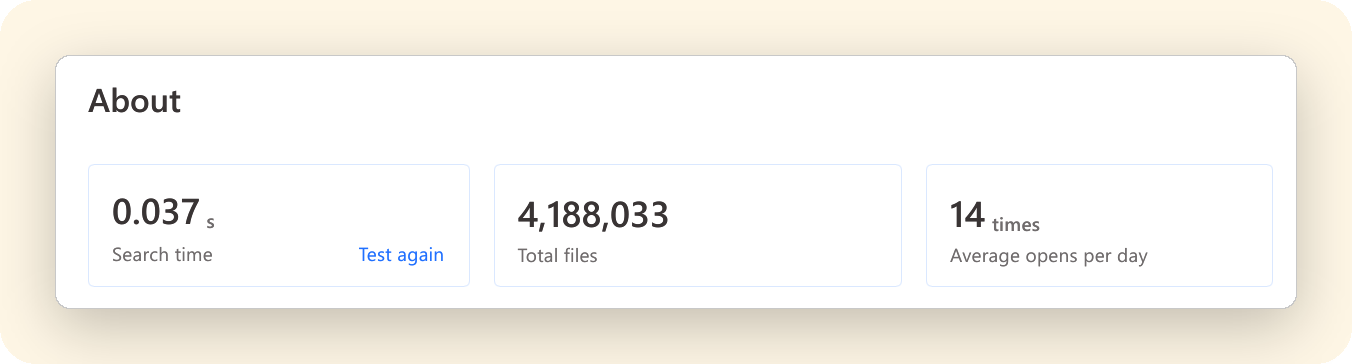
- Better diagnostics. If a file isn’t showing up in search, the Diagnostic Tool (Options > About) helps identify the cause and walks you through troubleshooting.
For more on why we rewrote Listary and the details we worked on, read the blog post:
Listary 7.1 Beta on our blog →
Thank you
You reported these, and they’re fixed now. Thank you!
- Search results are ranked more accurately. Better name matches come first, and previously opened files no longer get grouped ahead of them. Thanks @vinieux, @disillusioned and @jamesr (t/9556, post).
- Fixed an issue that could cause the first attempt to eject a USB drive to fail. Drives indexed as a whole are also reindexed when reconnected after being unplugged without Safely Remove. Thanks @ASUNDER, @horst and @Stefan_Iordache (t/10243, t/10182, t/10053).
- Fixed a settings issue on Windows systems using a non-Gregorian calendar, where only the first change was saved. Listary also now alerts you if settings can’t be saved. Thanks @AVI (t/10289).
For other fixes, see the full changelog:
We’re tracking the remaining reported bugs. If there’s a feature you’d like to see, vote for its topic in Feature Request. Your votes help us decide what to work on next.
Installation and update notes
- Windows on ARM: The 7.1 installer won’t run on ARM PCs yet. If you receive an update prompt, skip it and keep your current version. ARM support is coming soon.
- Updating from Listary 6: We haven’t started offering 7.1 through the V6 updater yet. We’d like to give the beta more time to settle first. If you want to try it now, use the download link above.
Found a problem? Please open a new topic in Bug Reports with your Listary version (Options > About), Windows version, and the steps to reproduce it. Screenshots or a short recording are helpful too.
Xinyi