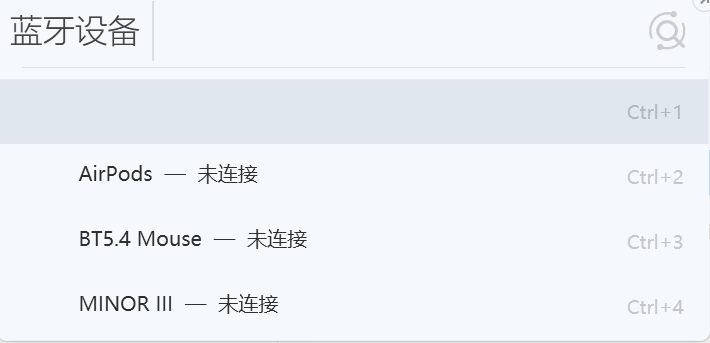
I’ve created an unofficial browser history plugin for Listary. It lets you search local history from Chrome, Edge, and other compatible Chromium-based browsers directly in Listary’s dropdown results.
The application is built with native C++20 and Win32. It does not upload browsing history or maintain a full background index. In the Listary-only idle scenario, its measured private working set is approximately 2.23 MiB. It has been tested successfully with both Listary 6 and Listary V7.
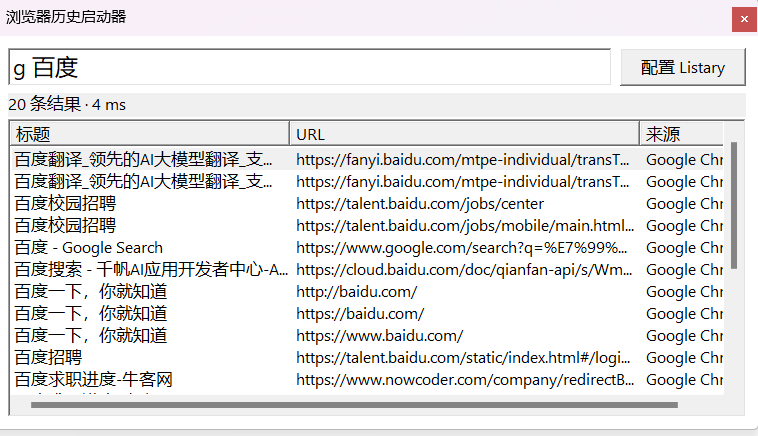
Each browser can be assigned its own keyword. For example, you can use “g” for Chrome and “e” for Edge. The plugin searches the selected browser’s local history and always opens the result with that same browser and profile.
The first result represents your original input and sends it directly to the selected browser’s address bar. The following results are matching entries from that browser’s history. A standalone native search window is also included as a fallback, so the tool can still be used without Listary.

GitHub repository and installer:
Feedback about browser compatibility, Listary versions, installation, and general usage is welcome.