Listary 7.1.0.43 Beta is out. It brings three main improvements and fixes a number of issues you reported here.
New: see how fast search is on your PC
Open Options > About to see how long a search takes on your computer, how many files Listary can find, and how many times a day you open it. You can also run a speed test that times five common searches.
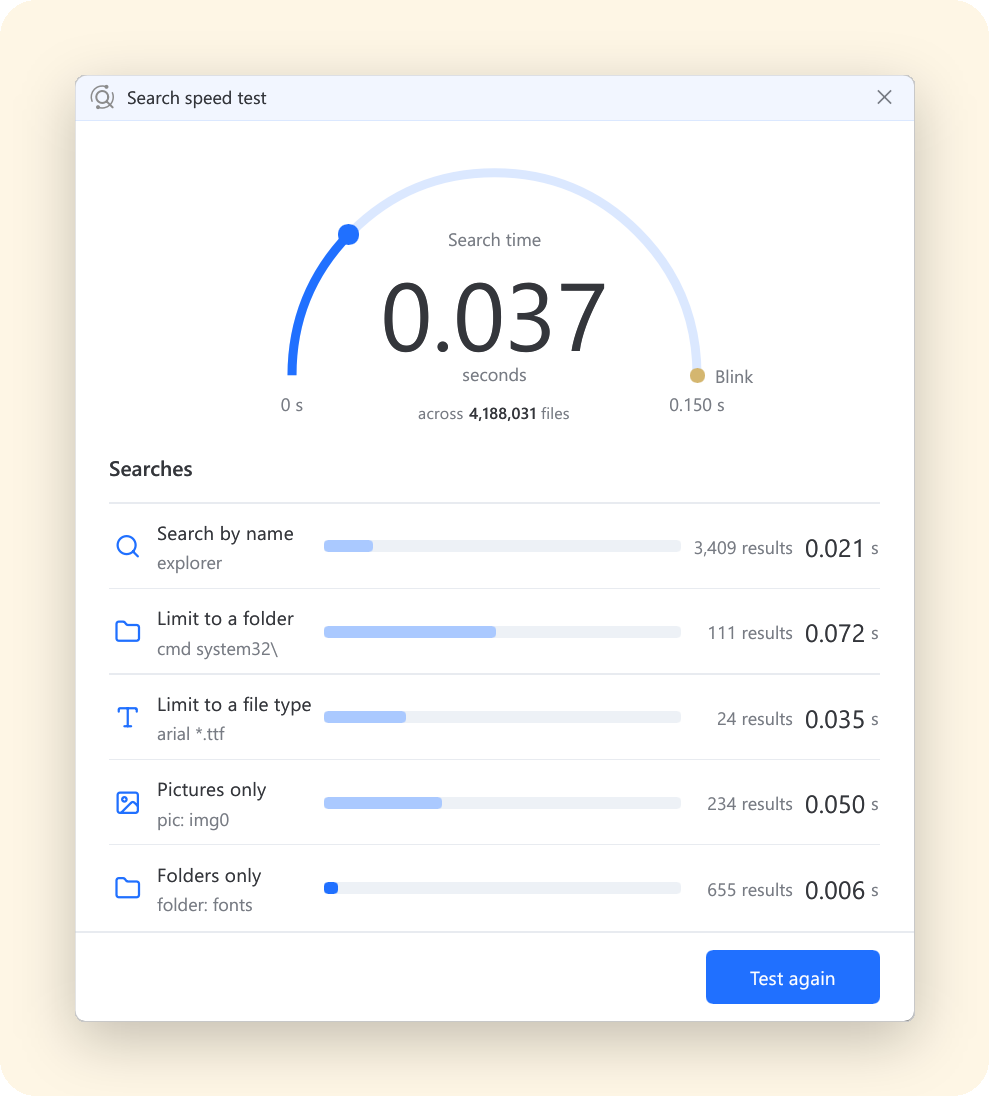
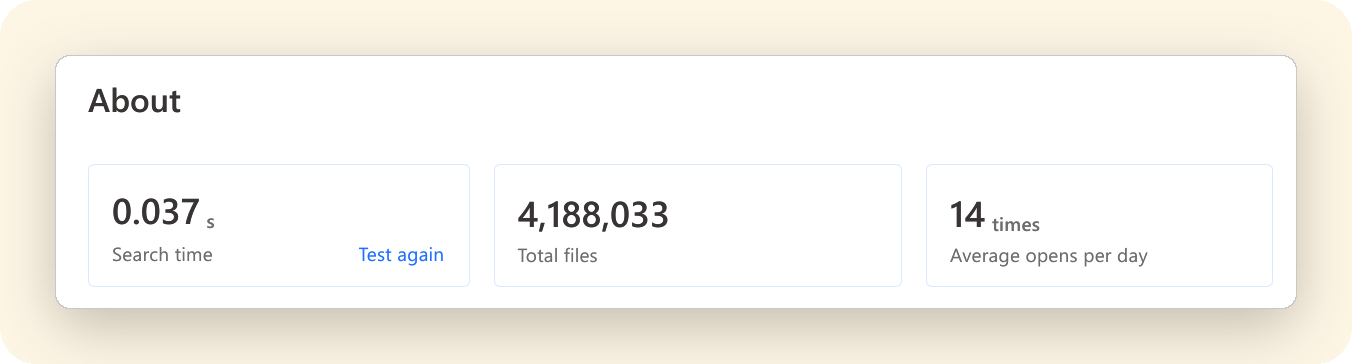
Post a screenshot of your speed test result in this thread. We’d love to see how fast it is on your PC.
About 50 MB less memory
Memory use is now 34% lower than in 7.0.
Korean initial-consonant search
Type only the initial consonant of each syllable. For example, ㄱㅅ finds 감사.txt.
Other improvements
- Multiple File Search Windows can be open at the same time again, as in earlier versions.
- “Do not index” is renamed to “Exclude from search results”. These files are still indexed, but don’t show up in results.
- The Twitter web search is renamed to X, and its keyword is now
x. - Several fixes for Quick Switch and the search bar in file dialogs.
Thank you
You reported these here, and they’re fixed in this version:
- The UAC prompt now comes to the front when you open an admin program from the launcher. Thanks @J_Liu (t/9793)
- Dates, times and numbers follow your Windows regional format again. Thanks @nminchin and @Rabbitslug (t/9477)
- A drive you turned off for indexing no longer turns itself back on. Thanks @ASUNDER (t/10182)
- “Do not index” now says what it does. Thanks @songch (t/10264)
- Web search suggestions no longer flicker while you type. Thanks @xiejx5 (t/9633)
How to update
- Already on Listary 7: open Options > About and click Check for Updates.
- On Listary 6 or installing fresh: download Listary 7.1.0.43 Beta and install it over your current version.
Found a problem? Please start a new topic in Bug Reports with your Listary version (Options > About) and Windows version.