I have the latest version, but it’s been a few months that the file search when I type on the listary bar is very laggy, I rebuild the search index on Everything and in Listary and it’s still so laggy.
At times it works well, so I can’t figure out what the problems is. It seems almost as if it throttles. I am on Windows 10 and a very powerful machine with Ryzen pro 7 and 32Gb of memory.
Does anyone else have this problem? It’s driving me crazy I almost want to quit using Listary.
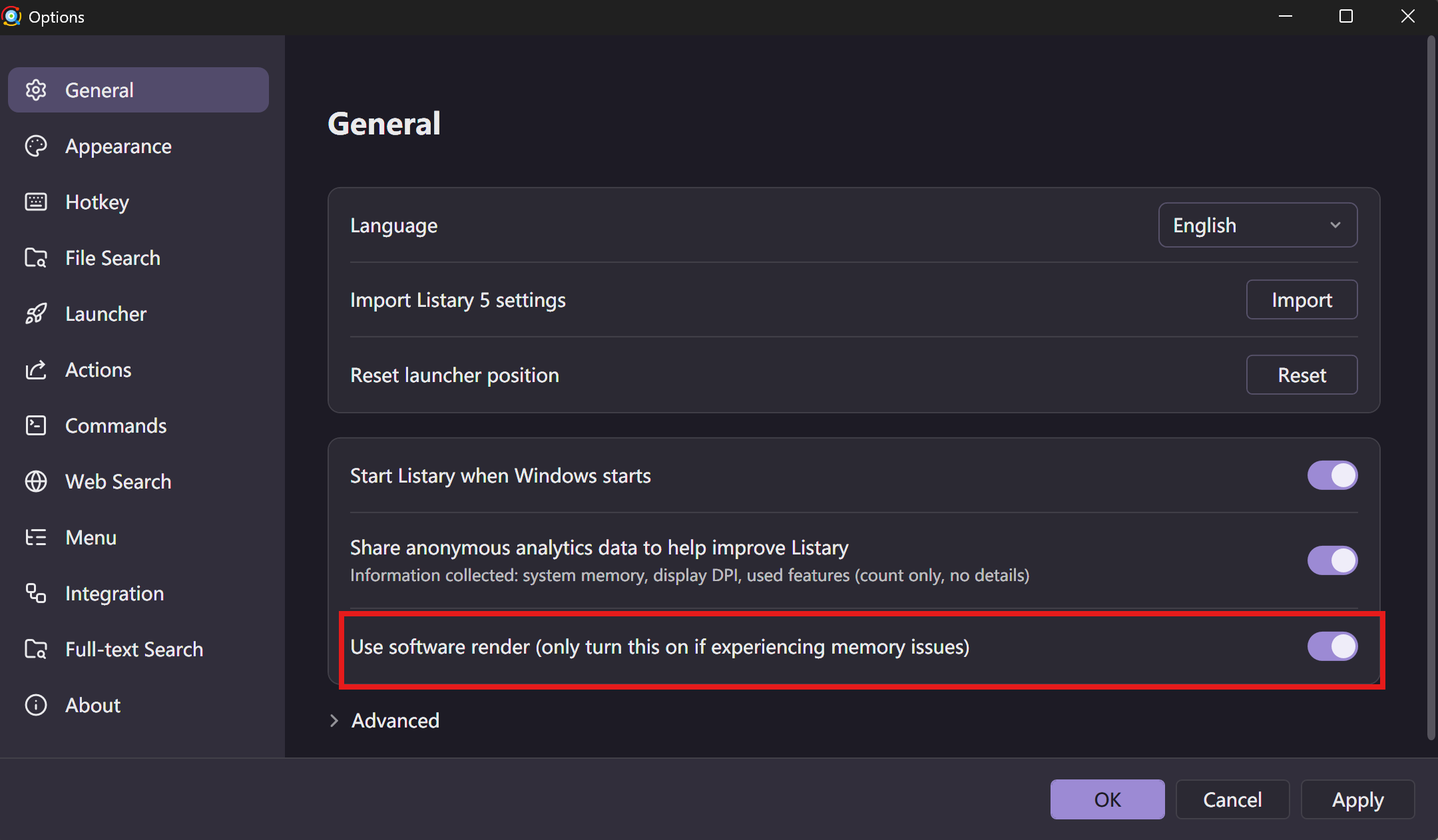
Although it is set to be off by default, even if it is turned on, it has no effect on the computer. Currently, I have it turned on and the system is running smoothly without any issues!
@listacrazy This is fixed in 7.1. Search is up to 4× faster than in 7.0, and we reworked how the File Search Window loads and draws results. In 7.0, once there were more than 20,000 results, dragging the scrollbar to a part of the list that hadn’t loaded yet left the list frozen until you’d stopped dragging for about 0.1 seconds. In 7.1, Listary loads the results that need to be shown first, then redraws only that part of the list. In a test with 300,000 results, a typical frame took under 0.01 seconds, whether you used the mouse wheel, dragged the scrollbar, or paged with the keyboard. There’s more in our blog post: Listary 7.1 Beta.
About the “Use software rendering” option @linerliu mentioned: it’s gone in 7.1. Every window is now drawn without the graphics card, so there’s nothing to turn on.