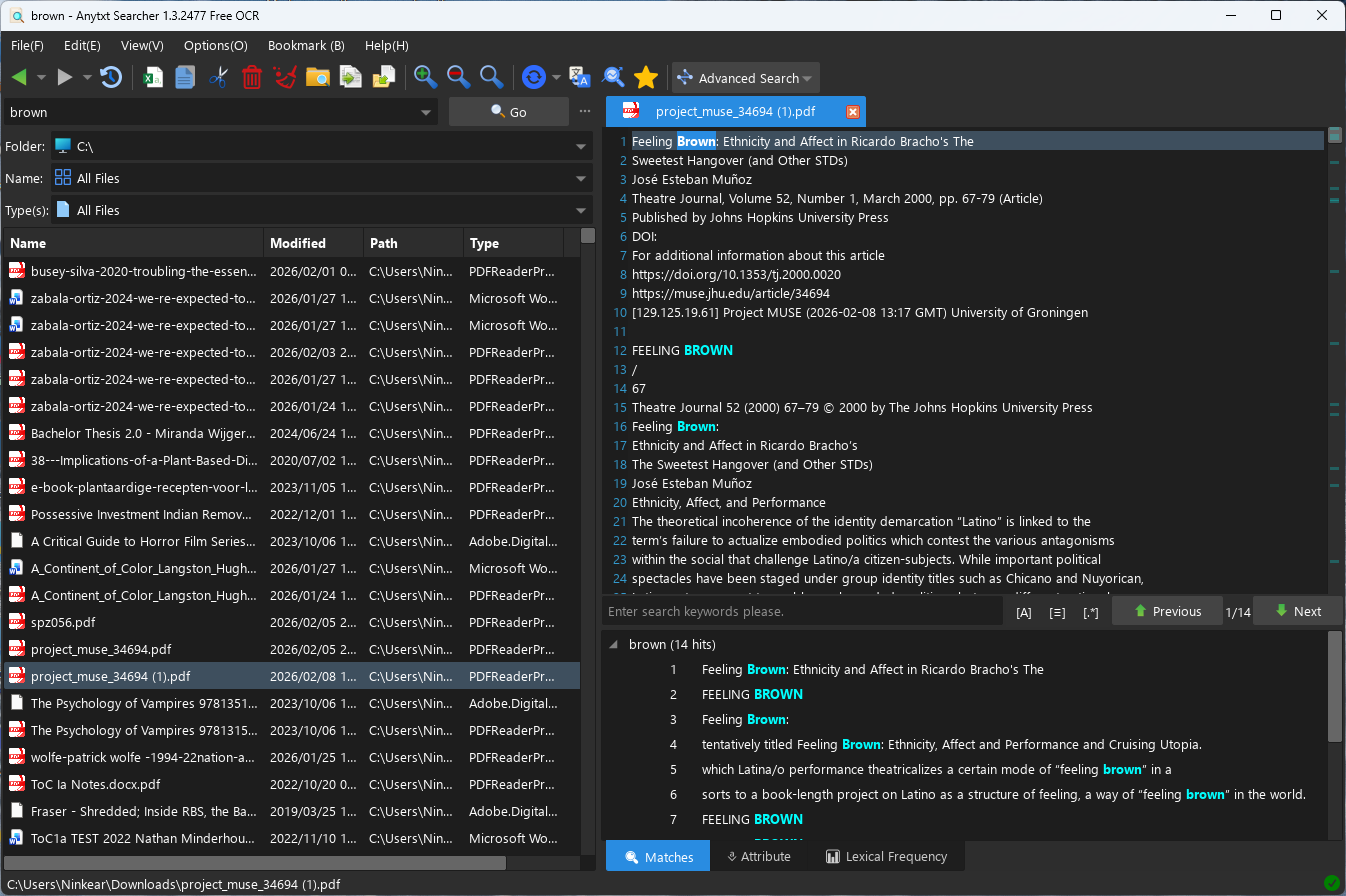
Could you guys please make an alternative to Windows’ own content indexing for Listary search (like AnyTxt) but immediately integrated into Listary’s search bar.
In Windows 11 you can use indexing for searching user directories like downloads and documents. At first this seems great (I even have double-checked that .pdf and .doc .docx .xlsx etc are enabled) but when you try it, the results don’t come up with the document if the keyword is not in the file name.
So for example, an academic article called project_muse_34694.pdf with the title “Feeling Brown: Ethnicity and Affect in Ricardo Bracho’s The Sweetest Hangover (and Other STDs)” talking about the terms Latino/a and Hispanic in a colonial context does not show up in Windows search with file indexing for pdfs turned on.
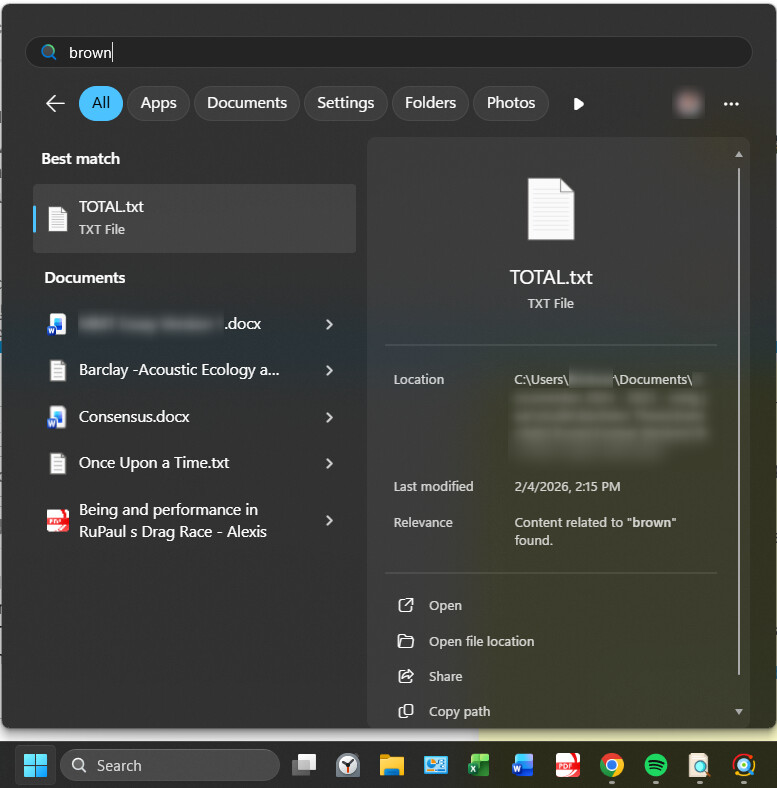
But the title itself does show up in Windows search with indexing:
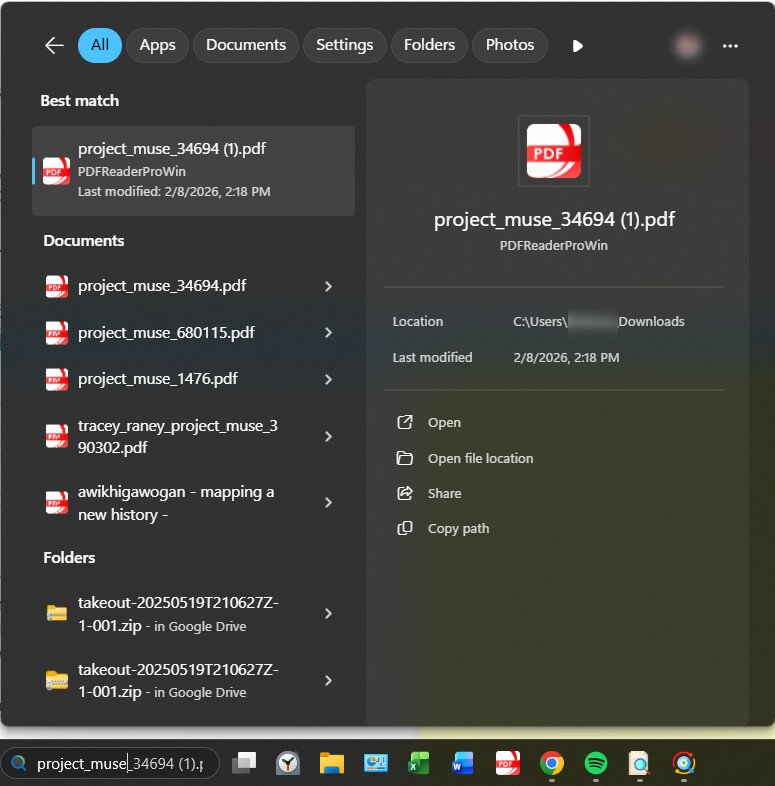
The pdf file does not show up in Listary (because it does not have content indexing):
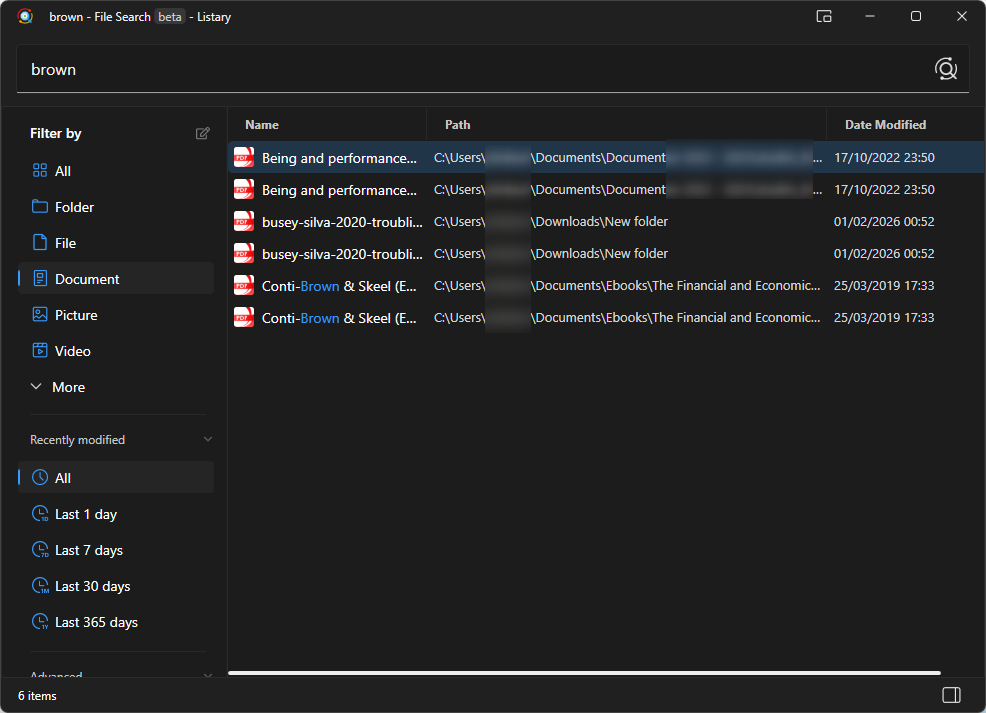
When searching for the title Listary shows this:
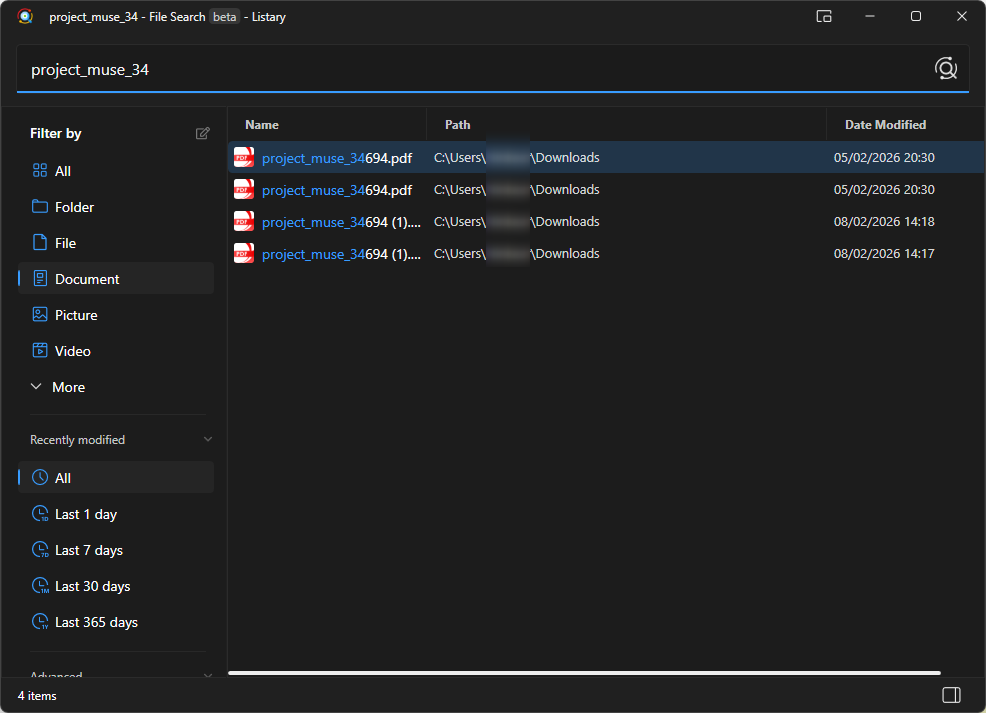
But that’s precisely the point, because how am I supposed to remember the project muse number for the file that I downloaded yesterday? So Listary can’t help you if your only clues are “brown” “latino” or “colonialism”.
However in Anytxt search (both Anytxt OCR and normal Anytxt) the file shows up immediately as result number 15.
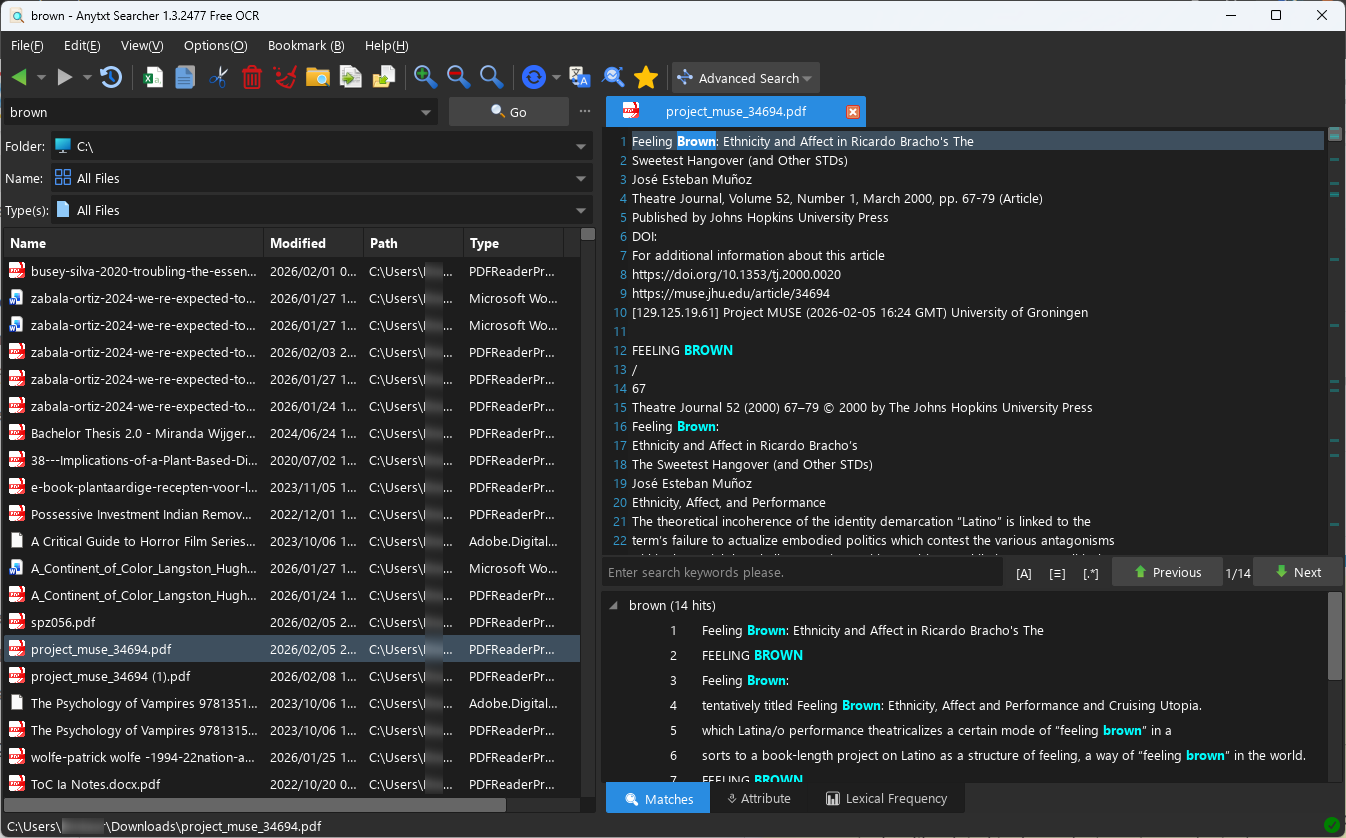
Important to note: most pdfs do not require OCR and have the title available in text in the pdf document. This is especially useful for academic articles that have a front page with all the necessary information. Most documents have this information on the first page of the file. So Listary could also make content indexing for only the first page of every pdf file on the pc.
Please add content indexing guys! Your file indexing for Windows is already superior and much better than Windows’ own file indexing. The next logical step is to offer an alternative for Windows’ own content indexing!
I know there is Anytxt file search, but look at it. It’s a powertool. Not very minimalist. Takes up a huge amount of space. And very cluttered.